What Managed IT Really Costs a Small Business, and Where the Guides Get Vague
Per-user rates look tidy in the headline, but onboarding fees, out-of-scope labor and the provider-written sources behind them tell a messier story.
 By AnselmRoarke ·

Verdict first: expect to pay roughly $100 to $250 per user per month for managed IT support, with $150 to $200 the figure most small-business guides keep landing on. That is the headline. The real bill is a different number, and the guides that publish these ranges are mostly written by the companies selling the service. Treat every figure below as a budgeting estimate, not a quote. US prices vary by state and market, and nothing here is personal financial advice. A licensed professional who knows your business can check the specifics.
How managed IT is usually priced
Most small and midsize US businesses get a flat per-user monthly rate. Ten people, ten seats, one invoice. That rate generally covers a help desk, system monitoring, patching, Microsoft 365 administration, a basic security setup, backup oversight and regular reports. Hire someone, the bill rises. Lose someone, it should fall.
Not everyone prices this way. Some providers charge per device, and some charge by the hour. Break-fix is the old model: something breaks, you call, you pay for that incident. It is reactive by design. A managed plan is supposed to be proactive, watching systems so problems never reach your staff. Whether that actually happens is a fair thing to cross-examine.
Here is why two quotes for the same office can look wildly different. The pricing model and the contents of the plan drive the total, not just the per-user rate. An hourly quote and a per-user quote cannot be compared until you convert both into a monthly estimate.
What the published price ranges show
The 2026 guides do not agree with each other. Low ends cluster near $100 per user. High ends run from about $190 to $400, depending on who wrote the guide and what they count as included. One says $150 to $175 is the sweet spot for companies of 10 to 50 people. Another says $150 to $200 is typical.
Totals make it concrete. One source budgets 20 users at about $2,000 to $5,500 a month, 50 users at $5,000 to $13,750, and 100 users at $10,000 to $27,500. Another puts a 50-person company at $7,500 to $12,500. A third figures 15 people on a standard tier at $2,250 to $3,000, and 30 people at $4,500 to $5,250. Those spreads are wide enough to drive a truck through.
Tiers help a little. A basic tier runs about $100 to $125 per user. Standard sits around $150 to $200. Premium or compliance work, for businesses holding regulated data such as health, financial or childcare records, runs about $200 to $300. Remember the source: provider-published or provider-estimated numbers, not government data. No regulator tracks this, and no independent benchmark backs the figures.
Costs that sit outside the monthly rate
The per-user number is the part of the iceberg above water. Many providers charge a one-time onboarding fee to inventory equipment, secure accounts and set up service. Sources describe it as one to three times the monthly rate. On a $3,000 monthly plan, that could mean a $3,000 to $9,000 line on the first invoice. Some providers also set monthly minimums, so a five-person shop may pay for more than five seats.
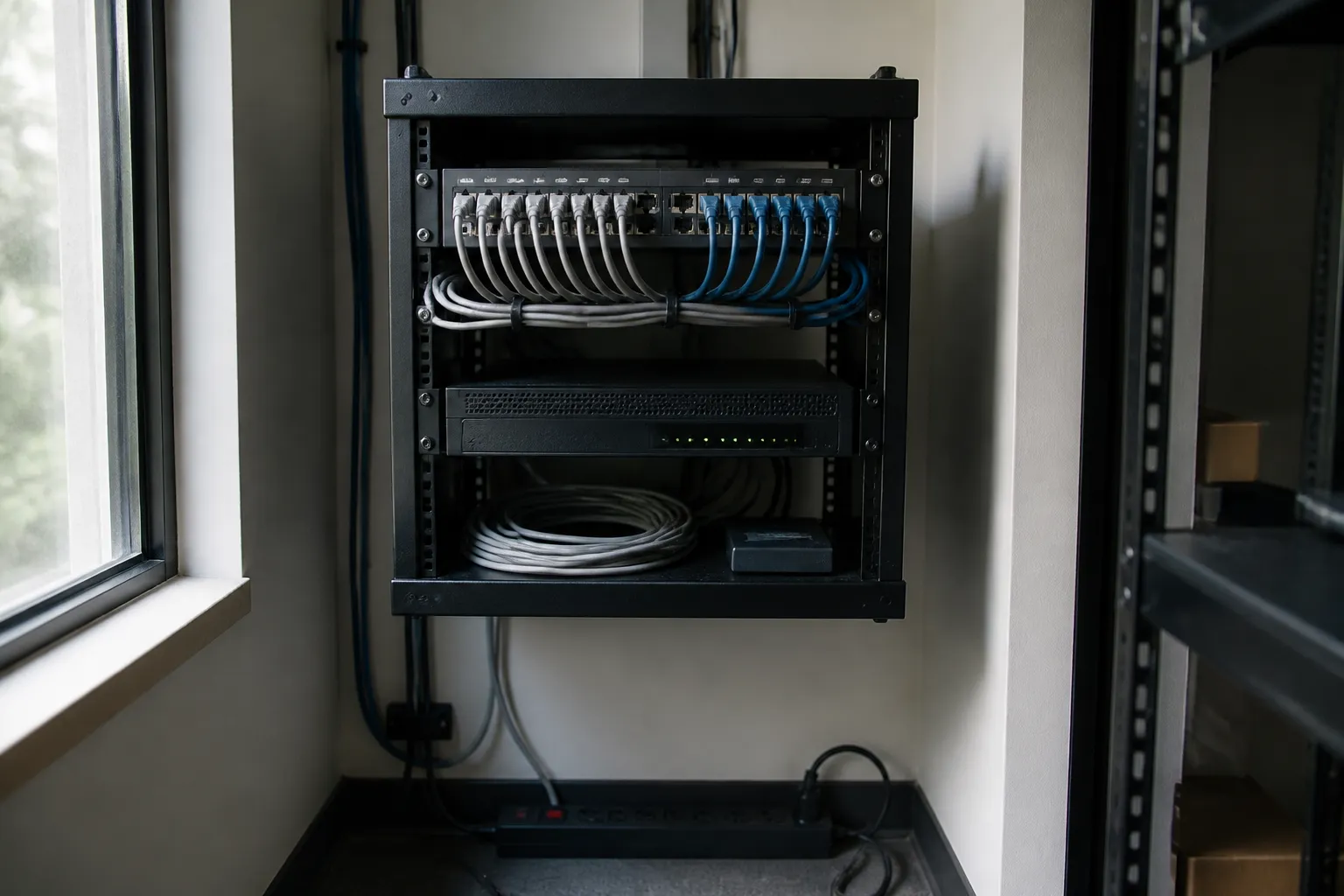
Then come the extras. Servers, firewalls, switches, backup storage, Microsoft licenses, one-off projects and specialized security work may each carry their own price. Work outside the plan is billed hourly, and one reference table listed project or co-managed labor at roughly $125 to $225 per hour. Get that out-of-scope rate in writing. It applies the day something falls outside the plan, which is usually the day you are least inclined to haggle.
Guides also love to cite downtime costs. One quotes about $427 per minute for small businesses, credited to a third-party survey. I could not verify that. Go to the original before it appears in anyone's budget memo. A scary number is a sales tool until proven otherwise.
How to compare proposals fairly
Convert every proposal to one monthly all-in figure. Include the per-user fee, onboarding spread over a sensible period, the out-of-scope work you will likely need, licenses, and any hardware or backup charges. Headline per-user numbers alone mislead, and some proposals are built to let them.
Check the user count against your real headcount. Ask how adding or removing staff changes the bill. Look at which security and backup layers are included, because a cheap quote may simply have left them out, and the cost and risk land on you later. If you handle regulated data, expect compliance-tier pricing and ask exactly what documentation comes with it.
Red flags are fairly plain:
- A quote well under $100 per user per month, with no explanation of what was dropped.
- A headline rate that does not break out onboarding, out-of-scope work or the total.
- Servers, firewalls or Microsoft licensing left out without saying so.
- A single per-user number with no mention of the pricing model behind it.
Questions to put to each provider
Ask for the all-in monthly total, including onboarding, minimums and any separately priced servers, firewalls, backups and Microsoft licenses. Ask who answers when your employees call, and during which hours. Ask who verifies backups, and who owns the recovery if one fails. "We back it up" is not an answer. A tested restore is.
Ask whether Microsoft 365 administration is included or billed apart, and what the out-of-scope hourly rate is. Ask whether budgeting, equipment lifecycle planning and technology roadmap guidance come with the plan or cost extra. Get every answer in writing so you can line the proposals up side by side.
Some things the guides barely touch. Contract length, cancellation terms, service-level commitments and price-increase rules are mostly missing, so read those clauses in any agreement closely, ideally with a lawyer. Pricing for industries beyond healthcare, finance and childcare is thinly documented, as is pricing above 100 users. State-by-state differences are not broken out at all. Use the ranges above to know when a number looks off, then get local quotes to learn what yours actually is.
Sources
- Managed IT Services Pricing & MSP Cost Guide (2026) | Datapath
- Managed IT Services Cost: Pricing Models Explained
- Managed IT Services Pricing: 2026 Costs
- Managed IT Services Pricing 2026: $100–$275 Per User
- Managed IT Service Pricing Guide 2026: Full MSP Cost Breakdown
- Managed IT Services Pricing Guide for Small Business | Teal
- Managed IT Services Cost: A 2026 Pricing Guide for SMBs
- How Much Does Managed IT Cost? 2026 Pricing Guide | EDCON
Still have a question?
Related guides
-

Is That Professional Certification Worth Paying For? Test It Before You Spend a Dollar
Job postings, an independent issuer, and written renewal terms separate credentials that pay off from expensive decoration. By Dolores Kinnane
-

Choosing a Managed IT Provider Without Trusting Blindly
Before you sign, make the provider show what it watches, who acts when something breaks, and who pays when it fails. By Imogen Tarrant
-

A Service Agreement Is Only as Good as Its Numbers
Before you sign, check whether the contract names a measurable target, a way to verify it, and a penalty the vendor actually pays, because anything less is a promise you cannot enforce.By Dolores Kinnane