Checking a Freight Broker or Carrier Takes More Than a Federal Number
Two free FMCSA lookups and a few questions can catch most problems, but the public record says nothing about bonds or minimum insurance amounts.
 By AnselmRoarke ·

A freight broker or carrier with a federal number is not necessarily one you should hand a load to. The number is the start of the check, not the end. The good news is that the main tools are free, public, and take about ten minutes. The bad news is that no single screen tells you everything, and the public sources I reviewed are silent on bond amounts and insurance minimums.
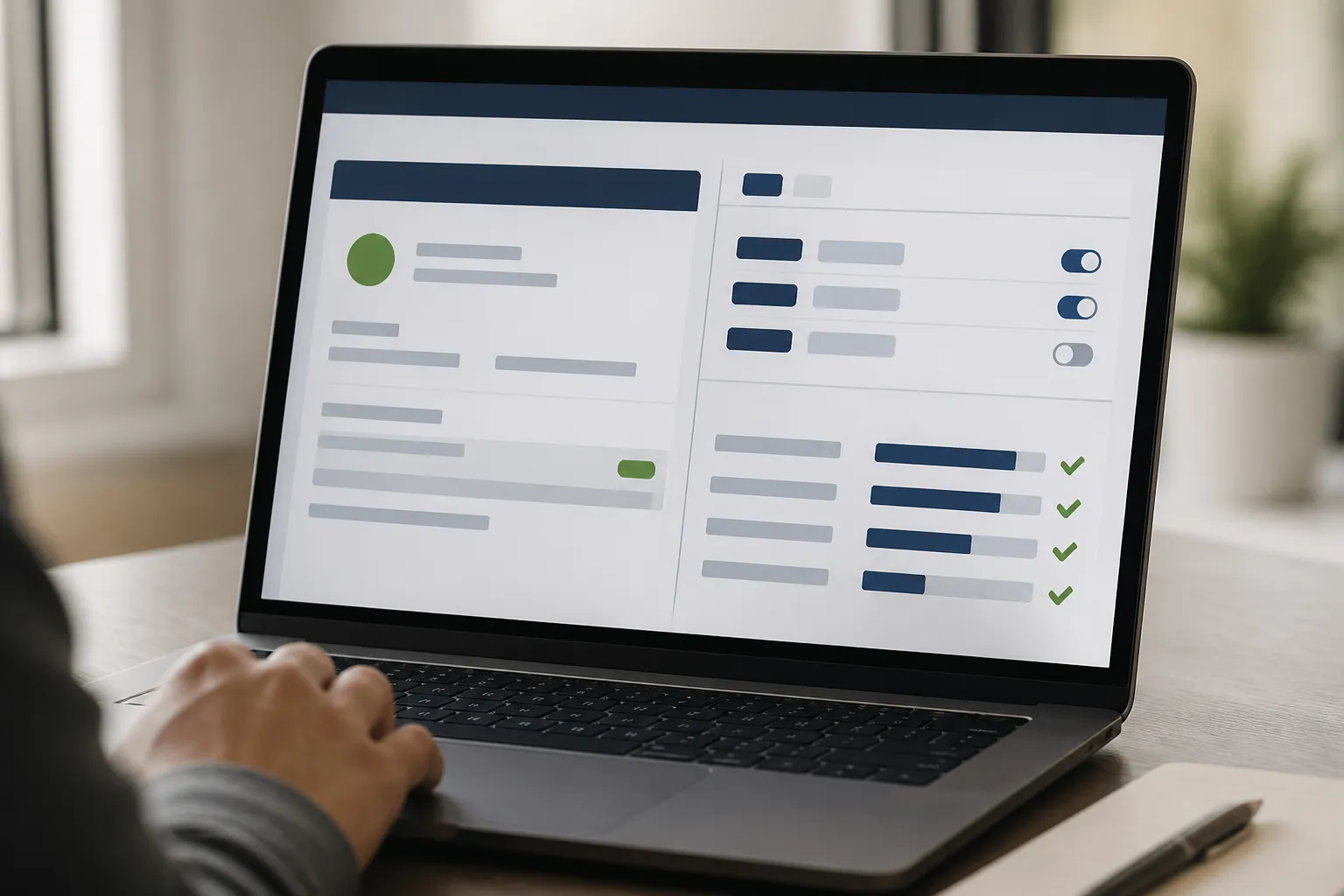
What the public FMCSA lookup tools cover
The Federal Motor Carrier Safety Administration runs several free lookups, and each answers a different question. The SAFER Company Snapshot covers identity, size, commodity information, any safety rating, a roadside out-of-service inspection summary and crash information. It returns one company per query. You can search by USDOT number, MC or MX number, or name. Use the number. Names are shared and near-duplicated more often than you would like.
Operating authority and insurance filings live in the Licensing & Insurance tool. So a complete check means at least two screens. A broker's record should be pulled directly, not assumed to be covered by a carrier lookup.
One caution on blank sections. Inspection and crash data are generally shown only for interstate carriers, and SAFER includes intrastate data for only a few states. A missing section may mean the data is not published there, not that something is wrong. A paid Company Safety Profile also exists. The sources say a fee applies but not how much, so check the current price before buying.
Reading DOT status, operating authority, and insurance separately
A search hit is not a clearance. Three separate items need separate reading, and a company can show a valid USDOT number while its authority or insurance is missing.
- USDOT status: ACTIVE, INACTIVE (the biennial MCS-150 update was not completed) or OUT-OF-SERVICE (under an order and not authorized to operate).
- Operating authority: AUTHORIZED FOR a listed set of operations, NOT AUTHORIZED, or OUT-OF-SERVICE.
- Insurance: the filing status in the Licensing & Insurance tool.
Then match the authority to the job. A record reading AUTHORIZED FOR Property does not cover household goods or passengers. NOT AUTHORIZED means no interstate for-hire authority, and it does not apply to private or intrastate operations, so it is not a verdict on legality by itself. If there are several out-of-service orders, the date field shows the earliest one. Read the whole record, not the summary line.
Timing matters too. Insurance and process agent information can take three to five working days to appear after FMCSA receives it, and applications can take longer. A filing submitted yesterday may not show yet. That is different from a filing never made. FMCSA's line for these questions is 1-800-832-5660, weekdays, 8:00 AM to 8:00 PM Eastern.
Red flags and how to interpret them
Stop and look harder at any of these: DOT status of INACTIVE or OUT-OF-SERVICE, authority marked NOT AUTHORIZED, any out-of-service date, or a pending insurance cancellation. The snapshot page links to a cancellation check. Use it.
Some oddities call for a question, not a conclusion. One sample snapshot was marked 'Outdated' and showed a Licensing & Insurance link as 'Currently Unavailable'. That is a reason to recheck later and ask the company for paperwork. It is not proof of anything.
Identity checks help. Each motor carrier should have one active USDOT number. Docket prefixes tell you the entity type: MC for motor carrier, MX for Mexican-owned or controlled, FF for freight forwarder. An out-of-service carrier shows 'OOS' under the DOT number. FMCSA's help page covers these. Mail returned undeliverable at the listed address suggests the record may not match a reachable business.
The flip side is just as important. FMCSA's CSA guidance says not to judge a carrier's overall safety from the displayed data alone. Unless a carrier is rated UNSATISFACTORY or ordered to stop, it is authorized to operate. A clean snapshot is not a safety guarantee. If you think the data is wrong, the DataQs system is the challenge route.
Questions to ask and gaps in the public record
Ask before any load moves:
- What is your USDOT number and MC or MX number?
- Is your authority currently listed as AUTHORIZED for this kind of work?
- Does the legal name and address on your paperwork match the public record?
Then run the numbers yourself. Any mismatch should be settled before work starts.
Now the gaps, which I would rather state than paper over. The sources I reviewed do not say whether a broker needs a surety bond or how large it must be. The one bond-focused page I found had a title and little else. They give no minimum insurance amounts and do not explain how requirements differ between brokers and carriers. They give no dollar ranges for brokers, carriers, bonds or insurance, and none by state. Costs vary by state and situation, so treat any quote as something to compare, not a benchmark.
If a record is missing or unclear, the sources offer no procedure. The practical path is to ask the company for documents, recheck after a few working days, and call FMCSA if it stays open. This is general information only, not legal, insurance or financial advice. For bond and coverage requirements that apply to you, consult a licensed attorney or insurance professional.
Sources
- SAFER Web - Company Snapshot
- FMCSA Carrier Search: Check DOT Numbers & Records
- SAFER WEB - About SAFER
- SAFER Web - Company Snapshot DOT INC
- CSA Compliance, Safety, Accountability
- Licensing & Insurance Introduction Page
- FMCSA Licensing & Insurance Carrier Search Help
- Freight Broker Bond: What It Is and Why It Matters | NFP
Still have a question?
Related guides
-

Is That Professional Certification Worth Paying For? Test It Before You Spend a Dollar
Job postings, an independent issuer, and written renewal terms separate credentials that pay off from expensive decoration. By Dolores Kinnane
-

Choosing a Managed IT Provider Without Trusting Blindly
Before you sign, make the provider show what it watches, who acts when something breaks, and who pays when it fails. By Imogen Tarrant
-

What Managed IT Really Costs a Small Business, and Where the Guides Get Vague
Per-user rates look tidy in the headline, but onboarding fees, out-of-scope labor and the provider-written sources behind them tell a messier story.By AnselmRoarke