VoIP vs. Landline for Small Business: What the Sales Pages Leave Out
Cloud phone service usually wins on cost and flexibility, but the contract, the 911 setup and your internet connection decide whether it actually works.
 By Dolores Kinnane ·
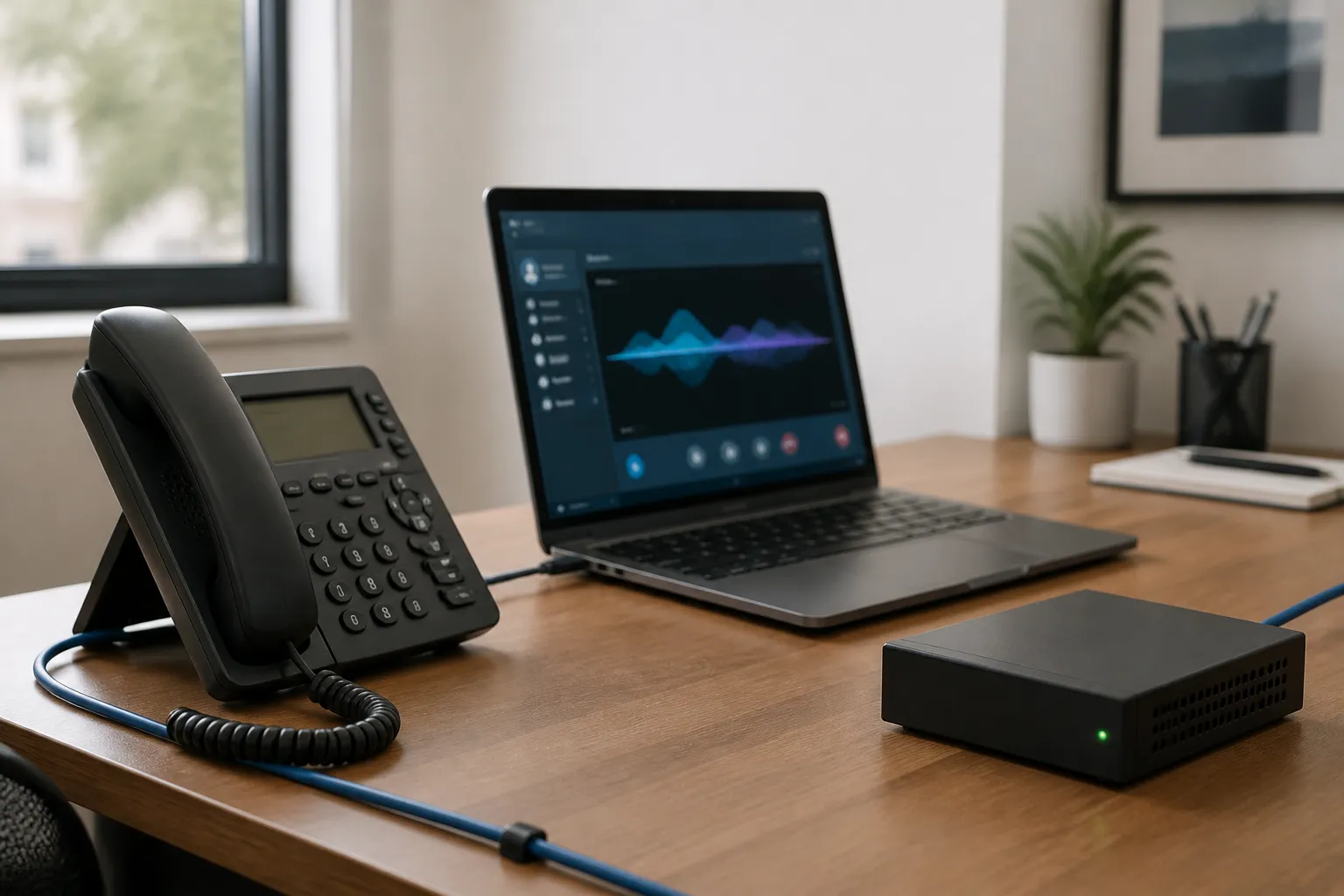
Verdict first: for most small businesses in 2026, a VoIP or cloud phone service beats a copper landline. The reasons are cost and flexibility, not magic. But the sales pages will not tell you what the contract says, what the 911 setup looks like, or what happens when your internet drops. This guide covers those parts.
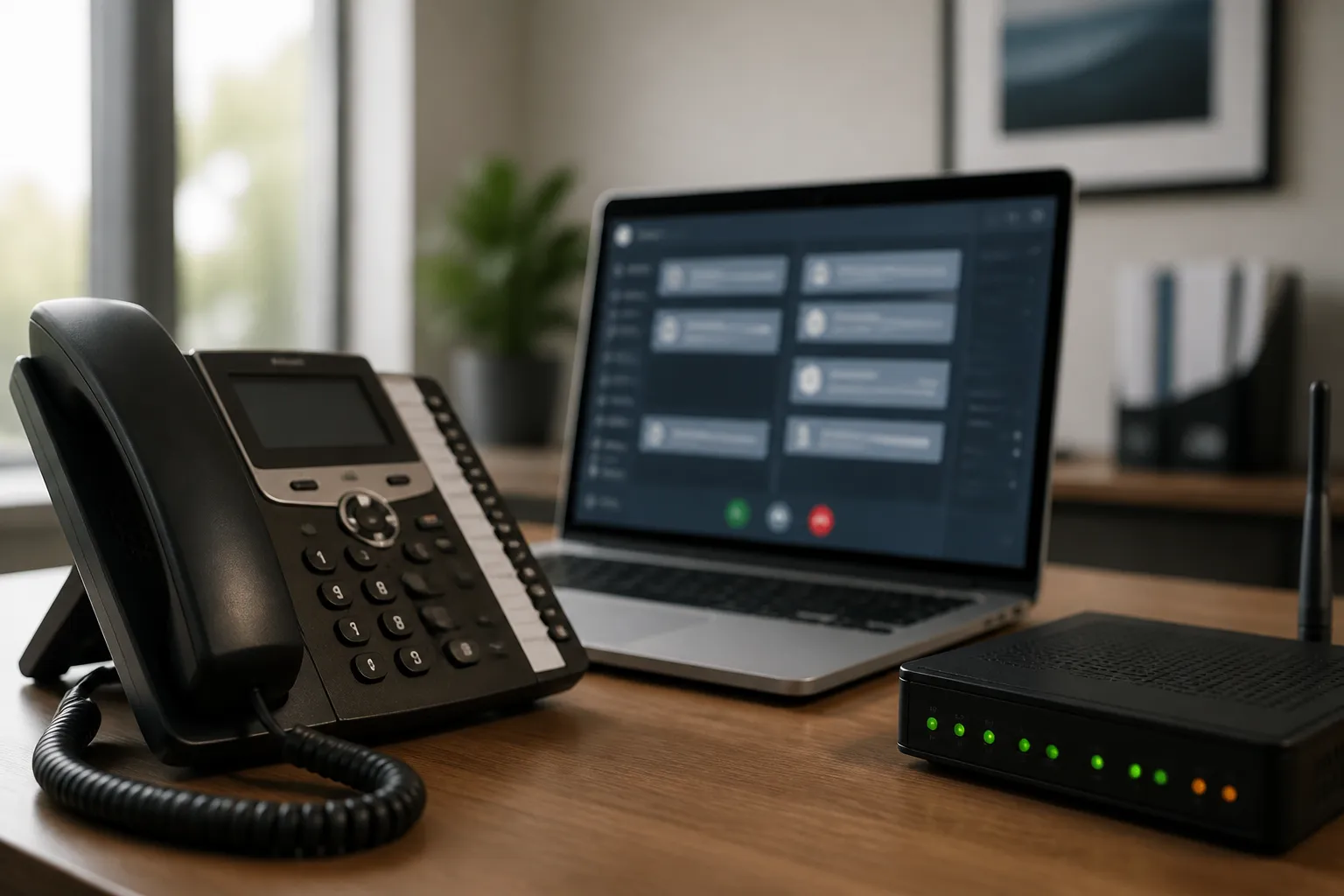
Understand the three main options
A traditional landline, also called POTS or PSTN, runs over physical copper lines that a telecom company installs. Sources describe installation and maintenance as expensive and the setup as hard to scale. Adding ten employees means adding ten lines, and someone has to come out and do it. Telecom companies are also moving toward VoIP, so landline support is shrinking and costs rise.
VoIP, short for voice over internet protocol, turns calls into small digital packets and sends them over the internet. Calls can come from a computer, a dedicated VoIP handset, or an ordinary phone plugged into an adapter. Setup and maintenance costs are described as low, and the systems tend to be scalable and feature-rich.
A virtual or cloud phone system is VoIP where the provider hosts the hardware and software. You need no on-site PBX or servers. Users typically work through a softphone app. That suits small businesses or remote teams with basic needs. It may not suit high call volumes or a company that wants a long feature list. Limited features are a known drawback.
Check compliance with FCC rules
VoIP providers must follow Federal Communications Commission rules. That includes mandatory E911 emergency calling and contributions to the Universal Service Fund. Businesses are also expected to follow Customer Proprietary Network Information (CPNI) privacy rules. Non-compliance can bring heavy fines, according to one compliance guide.
Here is the catch. The sources do not explain how E911 gets set up or how you would verify a provider's claims. So do not take a brochure's word for it. Ask the provider to confirm in writing how it meets each requirement. Then read the FCC's own guidance on VoIP and 911. A phone that cannot reliably send your location to emergency dispatch is not a bargain at any price.
Review security and reliability
VoIP lives on your internet connection. Weak or unstable service means lag, choppy audio and dropped calls. Test your connection before you commit, and ask the provider what happens during an outage. Is there failover to a mobile number? How are call-quality complaints handled? Who answers at 8 a.m. on a Monday when nobody can dial out?
On security, the National Institute of Standards and Technology published Special Publication 800-58 on VoIP security. It lays out challenges and countermeasures. It dates from 2005, so treat it as background. VoIP security issues keep evolving, and your provider should be able to say how it handles today's threats. Vague answers are an answer.
Also note who wrote what you are reading. Several of the sources behind this guide were written by or for vendors. Claims about savings and benefits deserve a second look from independent sources.
Know what the sources do not cover
The available research gives no US cost ranges, monthly pricing, equipment costs, contract terms or cancellation rules. That is a real gap, and it is where vendors earn their margin. Prices vary by state, provider, number of users and the features you pick. Get written quotes that list every fee, equipment charge, tax and surcharge, plus the contract length and what it costs to leave early. Compare those line by line, not the headline per-user number.
For disputes, a state public utility commission or the FCC's consumer complaint system are common places to start. Confirm which agency fits your situation. This is general information, not legal or financial advice. A licensed professional can review a contract before you sign it.
Ask the right questions before you sign
Keep the list short and make them answer in writing.
- Do you meet FCC requirements for E911, Universal Service Fund contributions and CPNI privacy? Can I have that in writing?
- How are customer data and the phone system secured, and how do you address known VoIP vulnerabilities?
- Which features are included, which cost extra, and which are limited?
- How will this work on my internet connection, and what happens when call quality drops?
- What is the full monthly cost, including equipment, fees and taxes, and what does cancellation cost?
If a landline still sounds right because you want something conventional and need no extras, that is a fair choice. Just know the copper is getting more expensive to support. If a provider dodges the compliance question, move on. There are plenty of others who will answer it.
Sources
- VoIP Compliance with FCC Regulations: A Complete Guide - VoIP Calling
- Security Considerations for Voice Over IP Systems | NIST
- Small Business Phone Systems: Types, Features, and Costs Explained | CO- by US Chamber of Commerce
- Cloud-Based Phone Systems: VoIP Benefits and Top Providers | CO- by US Chamber of Commerce
- How to Choose the Right Business Phone System for Your Needs—Clarity Voice Insights
- The Best Business VoIP Services We've Tested for 2026 | PCMag
- VoIP & Phone Service Reviews From Our Experts | PCMag
Still have a question?
Related guides
-

Is That Professional Certification Worth Paying For? Test It Before You Spend a Dollar
Job postings, an independent issuer, and written renewal terms separate credentials that pay off from expensive decoration.By Dolores Kinnane
-

Choosing a Managed IT Provider Without Trusting Blindly
Before you sign, make the provider show what it watches, who acts when something breaks, and who pays when it fails. By Imogen Tarrant
-

What Managed IT Really Costs a Small Business, and Where the Guides Get Vague
Per-user rates look tidy in the headline, but onboarding fees, out-of-scope labor and the provider-written sources behind them tell a messier story. By AnselmRoarke